


In the Reconcile screen, you can customize which results are displayed by using the following features: search, configuration filter and show.
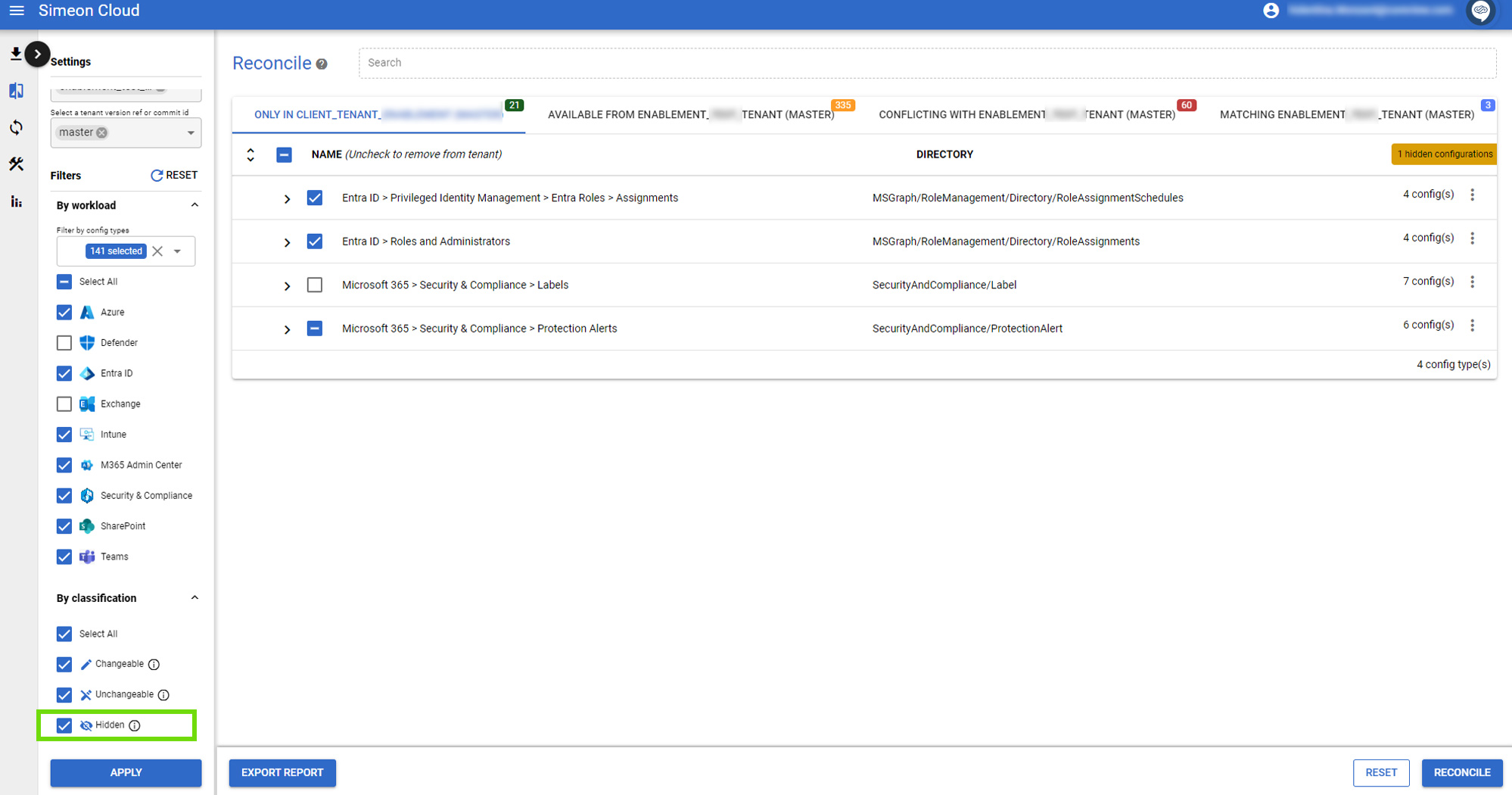
Hidden configurations
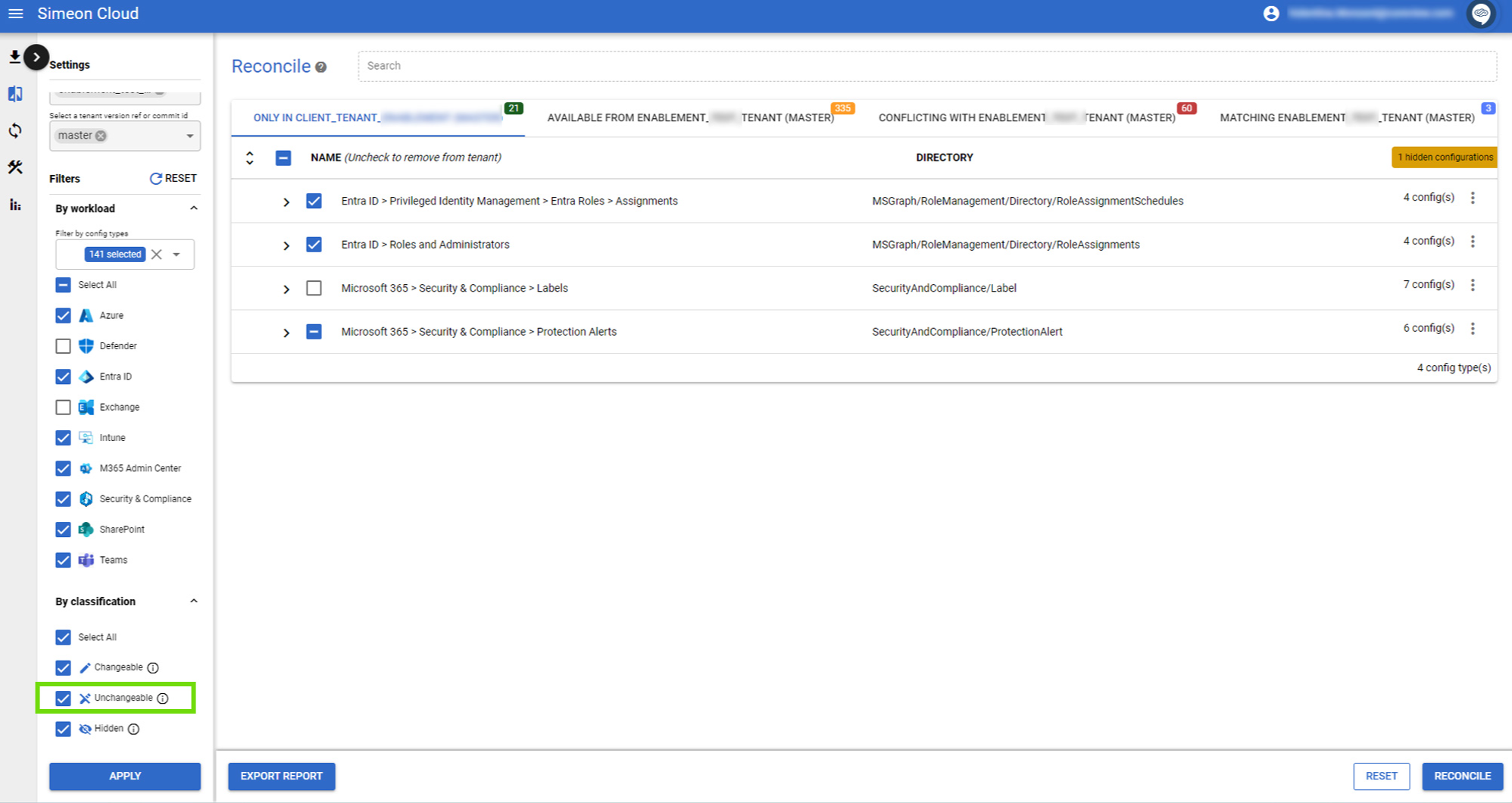
Unchangeable configurations
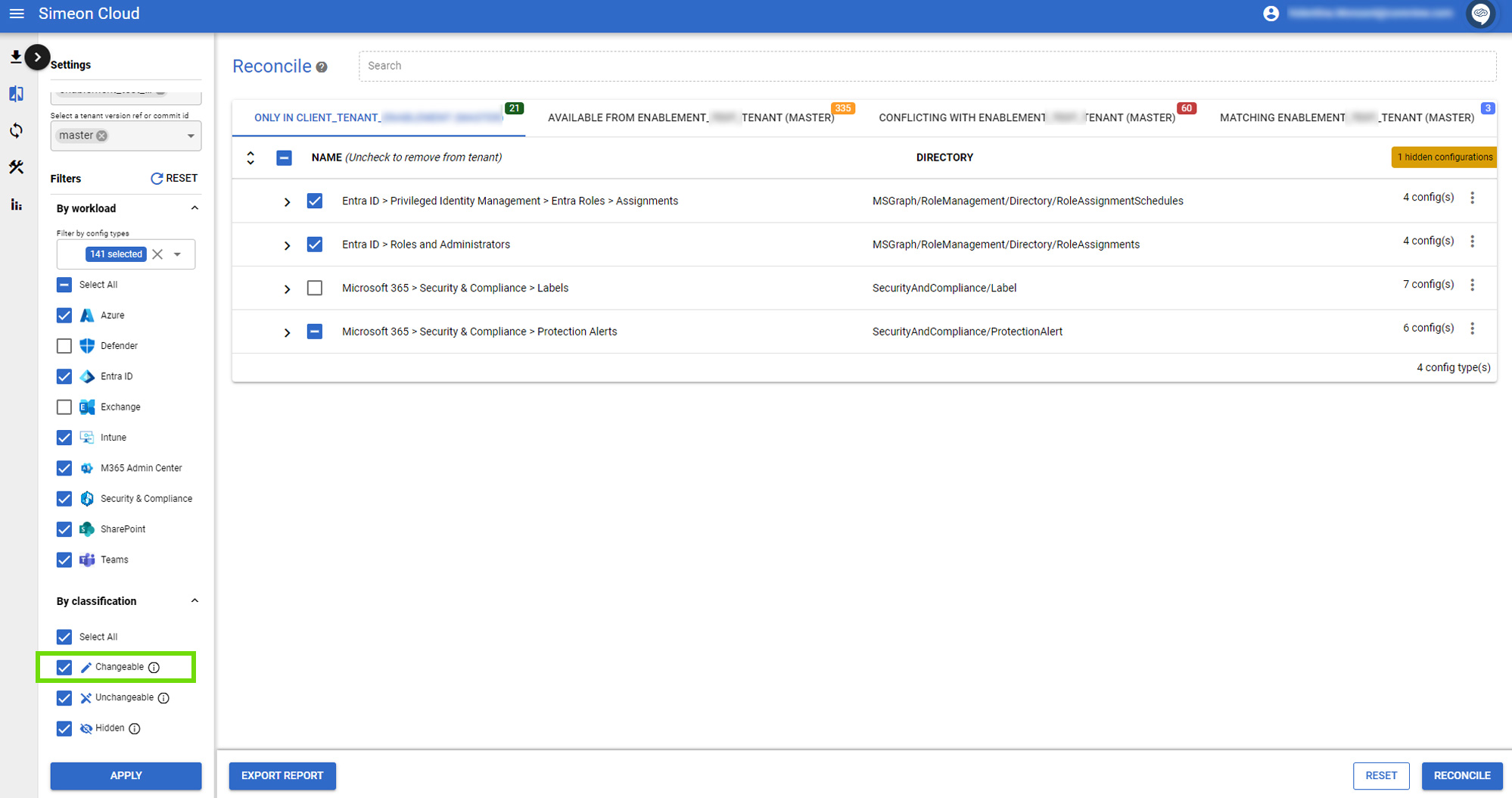
Changeable configurations
Skipped configurations
Check or uncheck this checkbox to determine if skipped configurations are displayed. Select “Apply” at the bottom of the left bar to confirm your choice and see results.

Accepted deviations
Check or uncheck this checkbox to determine if accepted deviations are displayed. Select “Apply” at the bottom of the left bar to confirm your choice and see results.
This checkbox is only shown if you are comparing your tenant against the latest CIS M365 Foundations baseline (v5.0.0):
