


Dans l’écran Reconcile, vous pouvez personnaliser les résultats affichés en utilisant les fonctionnalités suivantes : recherche, filtre de configuration et afficher.
Configurations masquées
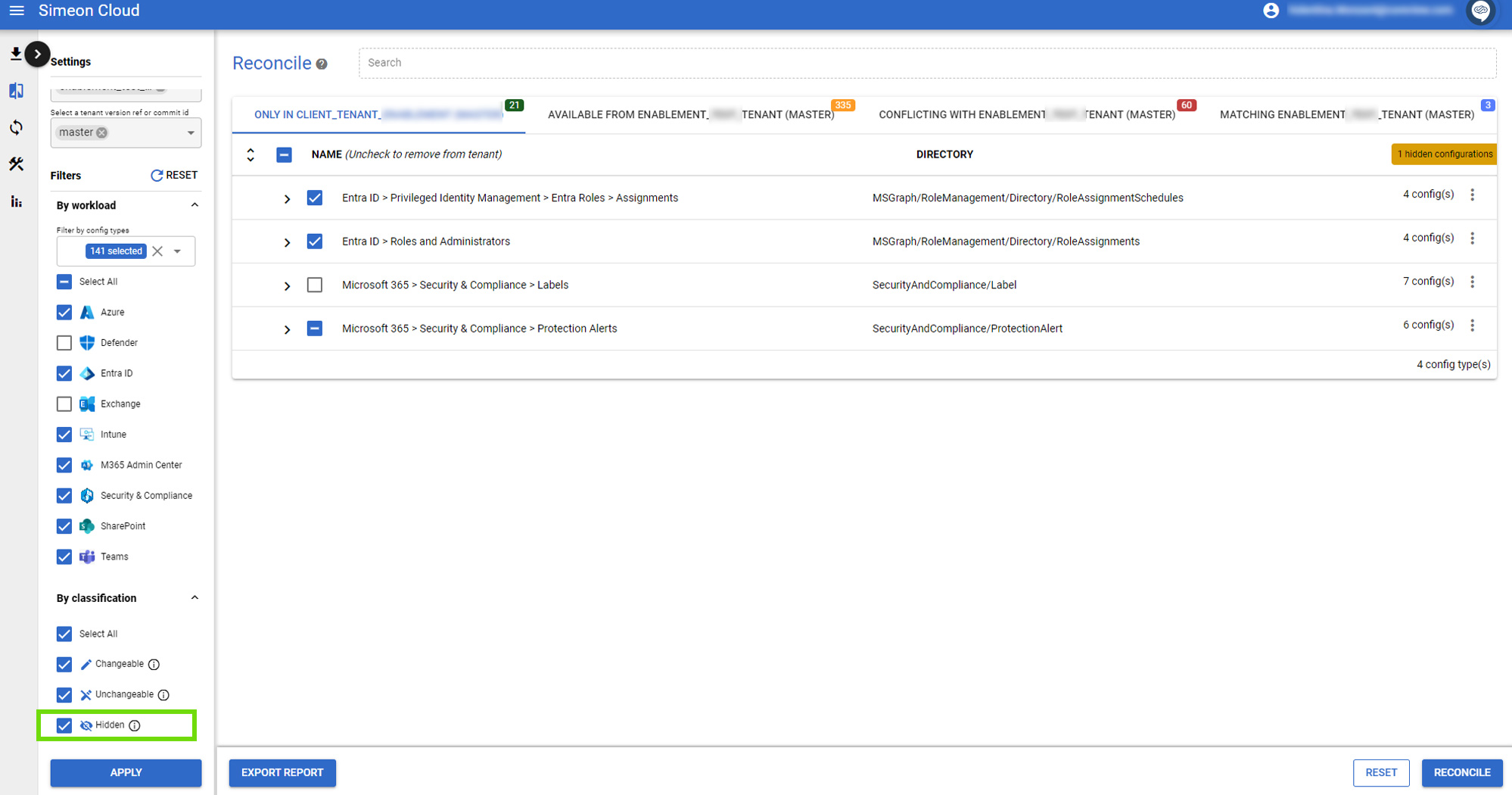
Configurations non modifiables
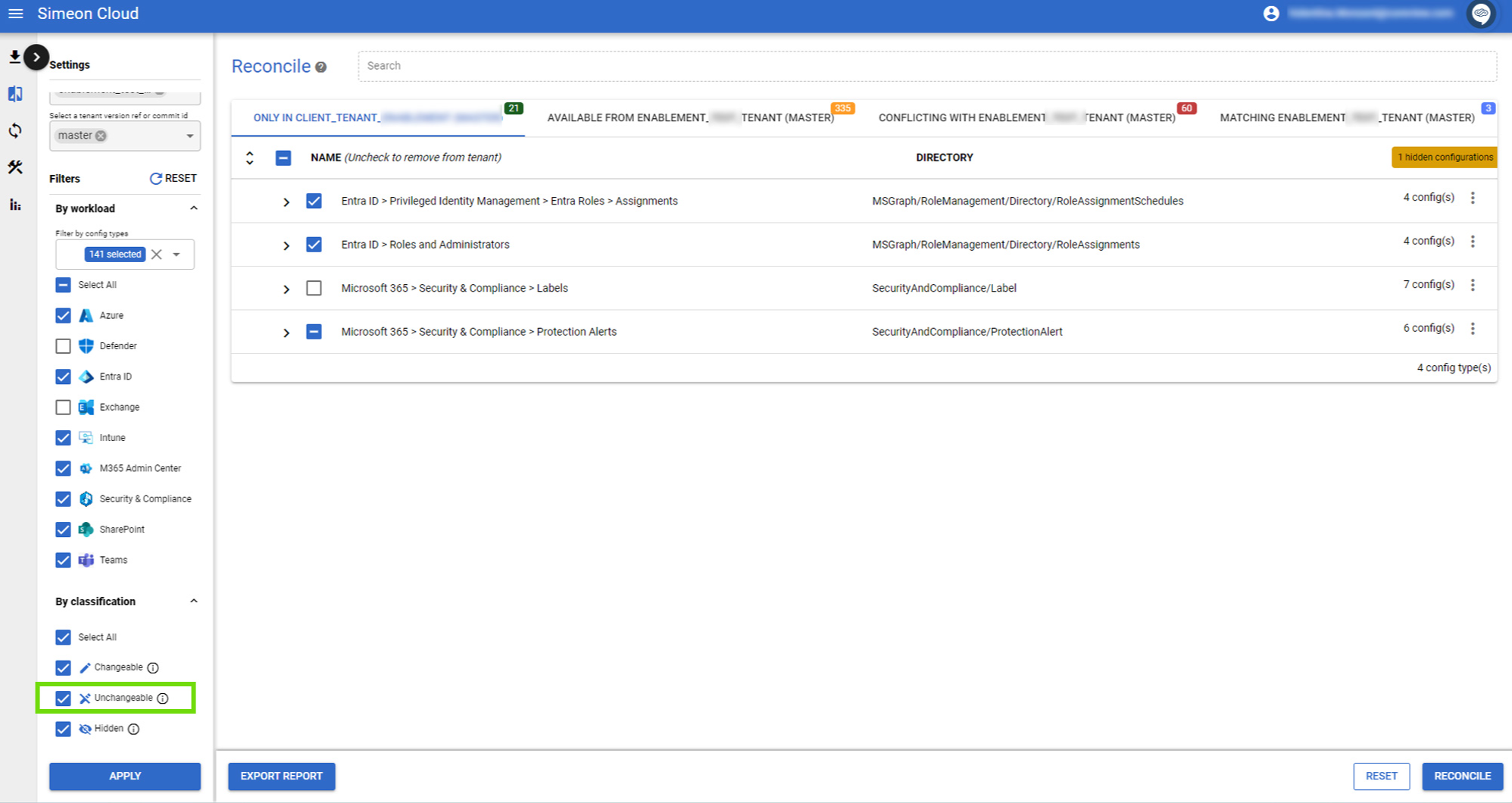
Configurations modifiables
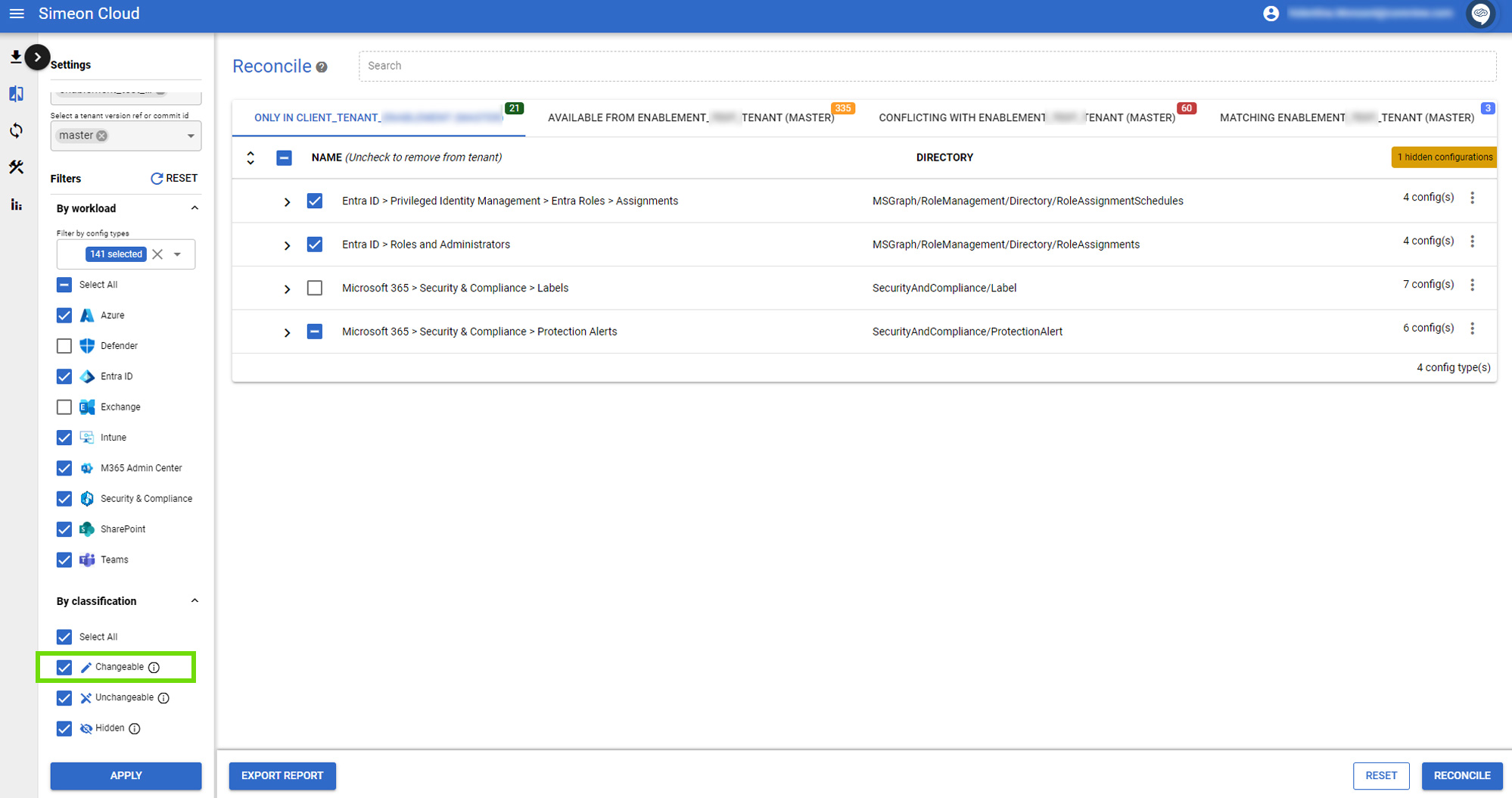
Configurations ignorées
Cochez ou décochez cette case pour déterminer si les configurations ignorées sont affichées. Sélectionnez « Appliquer » en bas de la barre latérale gauche pour confirmer votre choix et voir les résultats.

Déviations acceptées
Cochez ou décochez cette case pour déterminer si les déviations acceptées sont affichées. Sélectionnez « Appliquer » en bas de la barre latérale gauche pour confirmer votre choix et voir les résultats.
Cette case n’est affichée que si vous comparez votre tenant avec le dernier CIS M365 Foundations baseline (v5.0.0) :
